Whether you're a beginner or looking to master the next level, our step-by-step guides are here to help you every step of the way.
Press the Add Assets button:
Select the asset type to add from the dropdown:
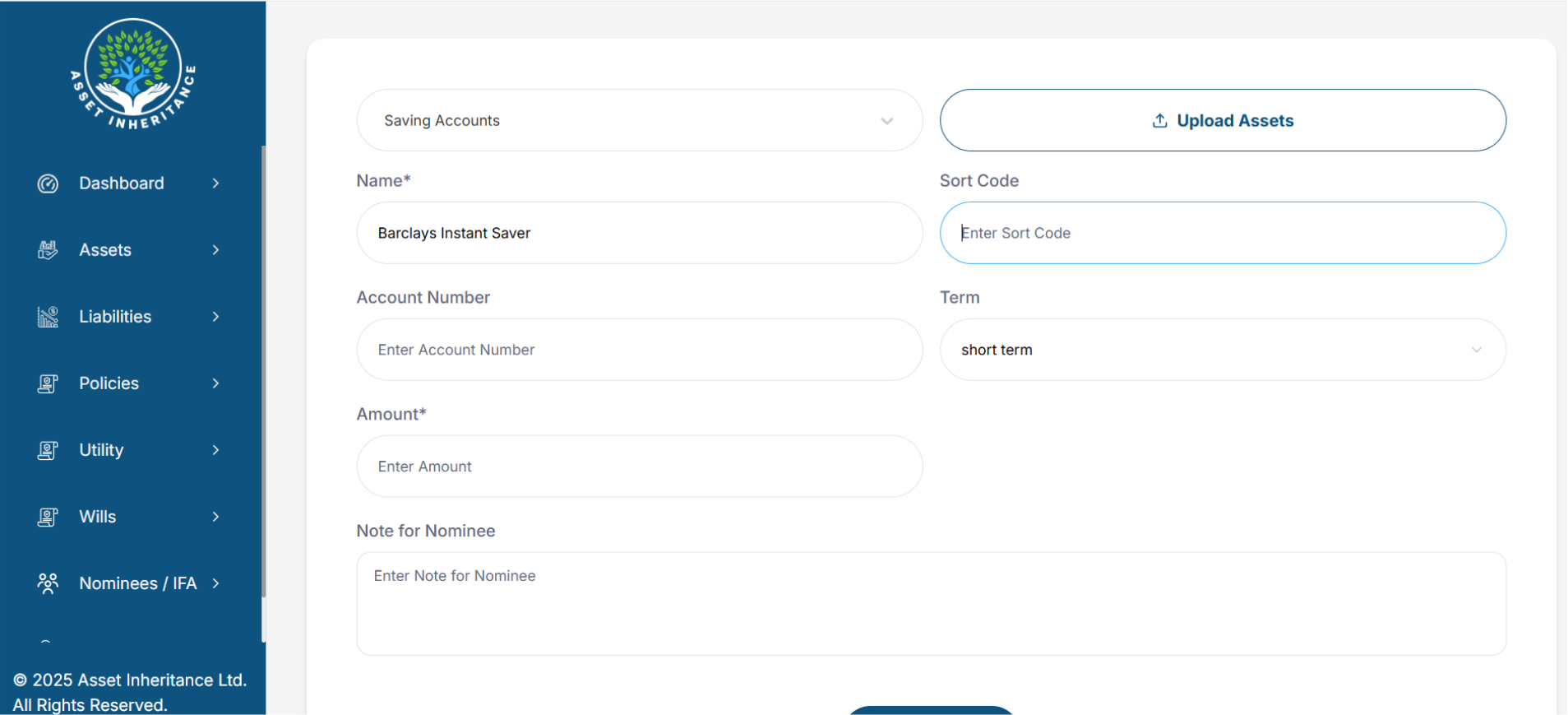
Enter your details and Click the Add Asset button at the bottom of the screen. You can enter as much or as little information as you want, and you can set permissions on the data each of your Nominees and your IFA can view: